
5 Essential Tips for Choosing the Right Power Backup
Tip 1: Calculate the Power Capacity Needed to Protect Your Equipment
The most important factor when choosing a UPS is its battery capacity—how much power it can provide to protected devices. This depends on the total battery charge. Simply put, UPS battery capacity is measured in Volt-Amps (VA). The higher the VA rating, the stronger the power backup capability.
UPS units on the market range from 500 VA to over 10,000 VA. Lower-capacity models are suitable for single devices or peripherals and are easier to manage. Larger units are designed for server rooms or facility power systems and require professional installation and maintenance.
An Important Reminder:
A UPS is designed to provide a buffer, not long-term power. If your equipment must run 24/7 without interruption, you need a generator. In that scenario, the UPS only needs enough battery capacity to bridge the gap until the generator starts.
Understanding VA vs. Watts:
There is a common misconception: theoretically, 1000 VA equals 1000 Watts (W = V × A). However, due to internal UPS design and power losses, the actual output is lower. The real power equals VA multiplied by the power factor (W = VA × Power Factor). The power factor is usually less than 1.
While manufacturers rarely list the power factor directly, they always list the maximum wattage in the specifications. For example, a 1000 VA UPS might have a maximum output of 600 W, giving it a power factor of 0.6.
How to Choose the Right Capacity:
-
Calculate total power draw: Use a power meter to measure the actual power consumption of all devices you want to protect. Do not rely solely on the "maximum wattage" labels on power supplies, as those overestimate actual usage.
-
Determine required runtime: Calculate how long your equipment needs to save data and shut down. Then, check UPS specifications for runtime at full or half load. Add at least 2 minutes of buffer to the manufacturer's estimate to ensure the shutdown completes before the battery runs out.
Tip 2: Select the Right UPS Type for Voltage Stability
UPS units are divided into three types based on their operating architecture: On-Line, Line-Interactive, and Off-Line. While all provide backup power, they differ significantly in design, output quality, and price.
On-Line UPS (Highest Price, Best Voltage Stability)
This type has the most complex structure and offers the strongest protection. Transfer time is nearly zero, and output current quality is excellent. On-line UPS units use filters and rectifiers to correct waveforms before power reaches the battery, and inverters to produce stable output. If the internal battery fails, the UPS can switch to bypass mode to maintain power. Choose this for expensive equipment or life-safety devices.
Line-Interactive UPS (Balanced Performance and Price)
This type sits between Off-Line and On-Line. It offers basic voltage stabilization without the full complexity of an on-line design. Under normal conditions, it runs on utility power. When surges or undervoltage occur, a sensing switch transfers the load to battery power. Line-interactive UPS units are a good choice for small to medium servers and network switches when budget cannot support an on-line unit.
Off-Line UPS (Most Affordable, Basic Backup)
This is the simplest UPS design. It provides battery backup power during outages but does not offer voltage stabilization. Transfer time is typically 4–8 milliseconds. While this is fine for personal computers and workstations (which can tolerate up to 16ms of interruption), it is not suitable for medical equipment or precision instruments. Off-line UPS units are best for individual workstations and basic peripherals.
Tip 3: Ensure Voltage and Plug Compatibility with Your Environment
When purchasing a UPS, pay close attention to input and output voltages. In regions like Taiwan, utility power can be 110V or 220V. While many UPS units accept wide voltage ranges, you must verify compatibility.
-
Input voltage: Must match your wall outlet.
-
Output voltage: Must match the requirements of your protected equipment (e.g., a 220V server needs a 220V UPS).
-
Plug and receptacle types: Most UPS units sold in certain markets use UL-NEMA 5-15 plugs and sockets. However, server rooms may use different connectors. Before purchasing, confirm plug specifications. Some UPS models offer modular receptacle options, which provide flexibility.
Tip 4: Verify Management Software and Operating System Compatibility
A UPS is more than just a battery. It includes management tools such as LED indicators, LCD panels, and audible alarms to show battery capacity and load levels. Most UPS units also feature communication ports (USB or RS-232) for advanced monitoring. Some allow expansion modules for additional interfaces.
Key Software Considerations:
-
Event notification: Does the UPS management software support email or SMS alerts? Verify that it works with your existing notification systems.
-
Automatic shutdown: This feature safely terminates system operation when the UPS battery is nearly exhausted. Confirm that the software supports your operating system.
-
Multi-device support: Some UPS units can trigger automatic shutdown on multiple servers. Others only support a single host. If you need one-to-many capability, check whether additional software, modules, or licensing fees are required.
Tip 5: Choose External Battery Support for Easier Expansion
Selecting a UPS that supports external batteries allows you to increase capacity flexibly. When your equipment grows, you can add external battery modules instead of purchasing an entirely new UPS.
Important Limitations:
While adding external batteries increases total capacity, the UPS charger itself does not change. Connecting too many external batteries will increase charging time significantly. Excessively long charging cycles can damage batteries and reduce their discharge capacity.
Battery Lifespan and Maintenance:
Most UPS units use sealed lead-acid batteries with an approximate lifespan of three years. Frequent charging and discharging may shorten this further. If your protected equipment cannot tolerate downtime for maintenance, look for a UPS that supports hot-swappable batteries. This allows you to replace old batteries without powering down the UPS or your protected devices.
Final Summary
Mastering UPS procurement comes down to five practical principles:
-
Capacity: Calculate real power needs (Wattage, not just VA) and required runtime. Avoid oversizing to prevent shallow discharge damage.
-
Type: Choose On-Line for critical equipment, Line-Interactive for balanced protection, or Off-Line for basic workstation backup.
-
Compatibility: Match input/output voltage and plug types to your facility and equipment.
-
Software: Ensure management tools support your OS, notifications, and any multi-device shutdown requirements.
-
Expandability: Prioritize external battery support and hot-swappable batteries for future growth and easier maintenance.
By following these five tips, you can confidently select a UPS that provides reliable backup power, protects your equipment from unstable currents, and delivers the best value for your specific environment.
Dual Voltage UPS: The Power Solution for Mixed-Voltage Environments
Not All UPS Are Built the Same: Rack, Tower, and Modular UPS Explained
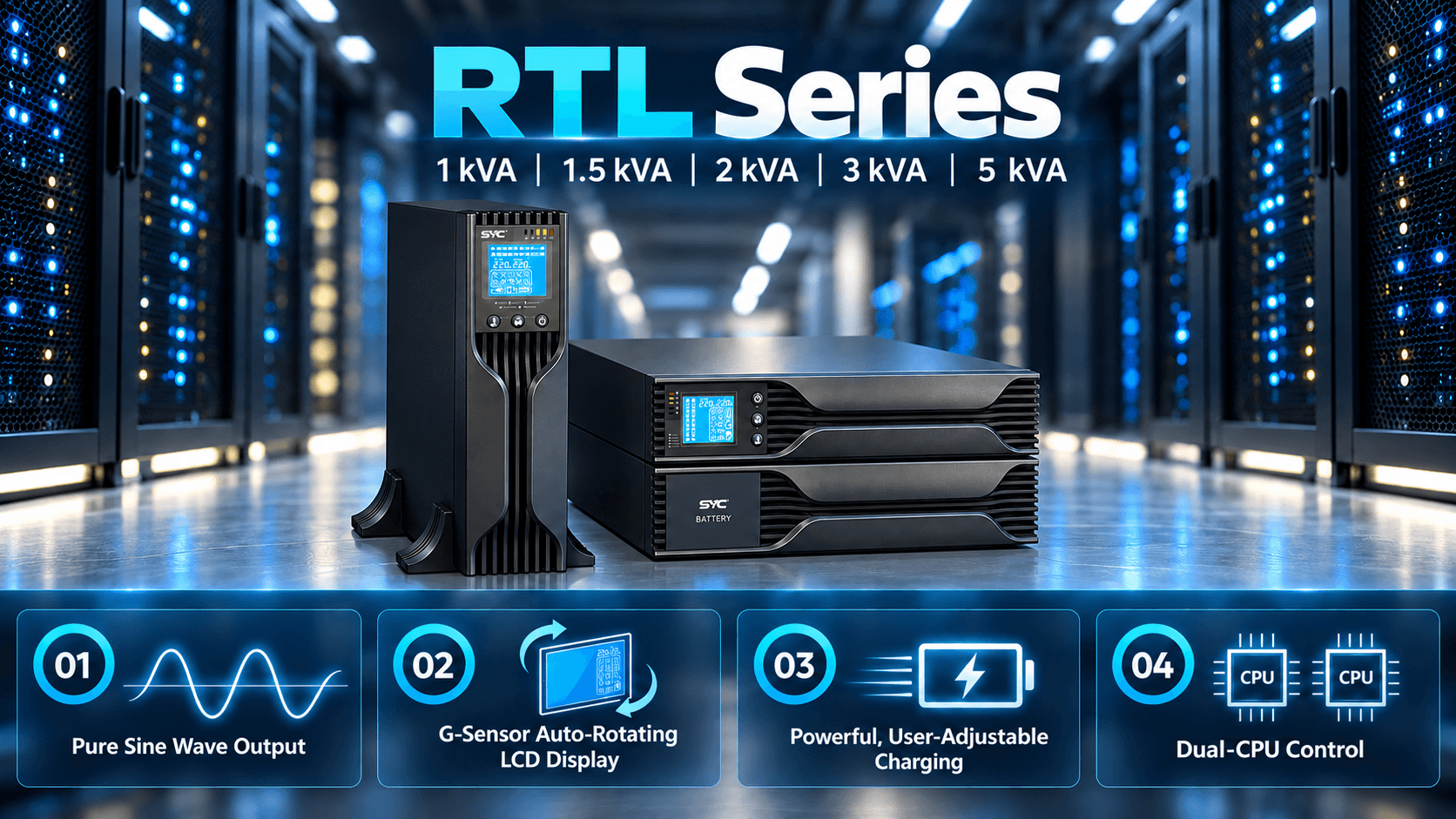
If you are looking for the products for your business please
contact us

+86 75782782286


Headquaters: Block7, No.115, ZhangChayi Road, Foshan, Guangdong, China